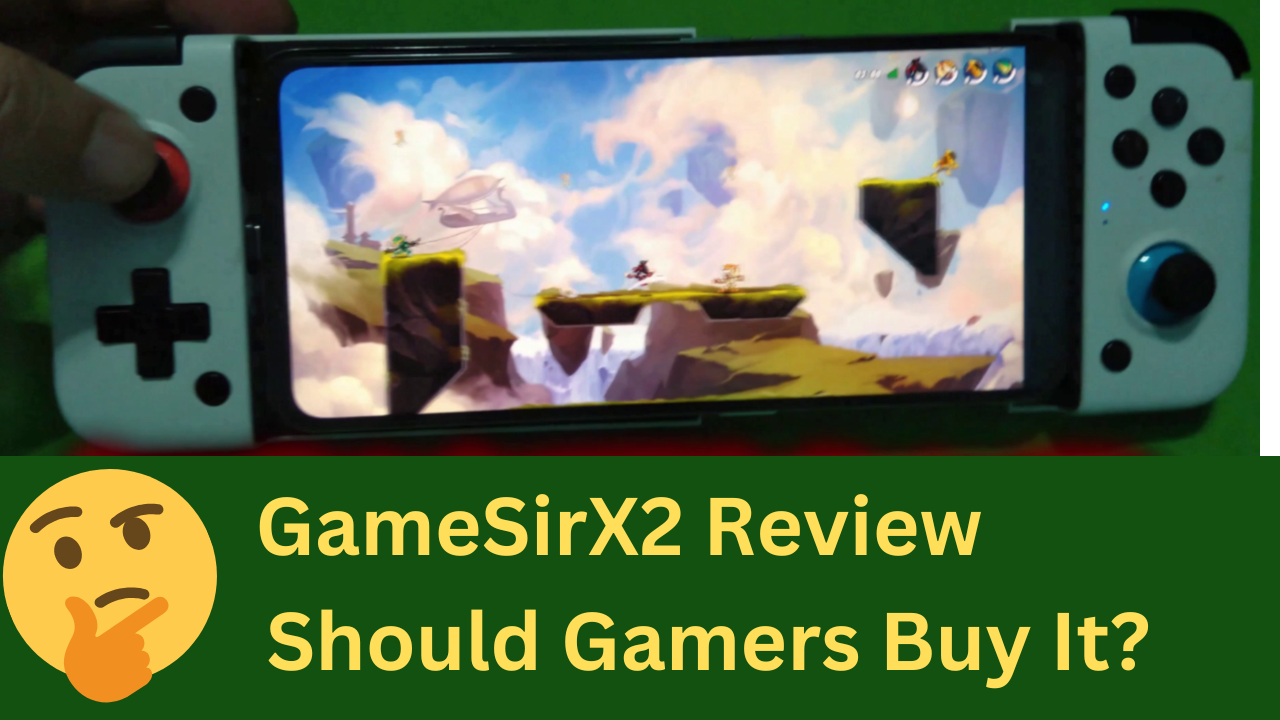
GameSir X2 Review: Reliable Razer Kishi Alternative For Gaming?
Long story short, I ended up purchasing GamerSir X2 in the summer of 2022, and here I am in 2025, finally ready to share my thoughts. To sum up my entire GameSir X2 review in a sentence, I would say that you get what you paid for. It gets the job done, but might not be for everyone. I am jumping ahead of myself. Let’s dive into the review.
Quick Navigation To The Different Parts Of the Article
- GameSir x2 Review
- How To Use The GameSir X2 Type-C Controller?
- What Are Gamesir Controller Compatible Games?
- Is GameSir A Good Controller Brand?
- GameSir X2 Review: Final Verdicts
- FAQs
Brief Overview

GameSir App offer button mapping feature to play games that don't support controllers
- Great build quality for the price
- Heavy duty shell included for portability
- Can also charge your phone simultaneously while in use with dedicated port
- Use GameSir App’s Mapping feature to play games that don’t support controllers
- Plug and play experience for games that support gamepads natively
- Fun for playing old retro Nintendo and PlayStation games
- Dedicated LED light indicator for showing connectivity status

Takes effort to get latency right for multiplayer shooting games that don't support gamepad natively
- Feels finicky in hand
- Rugged cases would need to be removed every time you use the controller
- Only some phone support simultaneous charging
- GameSir App mapping feature works unreliably in mid-range devices
- Nintendo style button layout takes some getting used to
- If you have midrange phone then you may not get best experience in games that don’t support gamepad
GameSir x2 Controller Review
Unboxing & Packaging
In the packaging department, GameSir delivered beyond my expectations. You get a standard cardboard box along with a hard-shell case, sticker, and some documentation. I found the hard-shell case especially useful as it makes the GameSir X2 controller easy to store when not in use or carry while travelling. The case also has a mesh pocket inside, which is handy for storing accessories. The hard shell has a reliable zipper mechanism that is still working without a hitch in 2025.

- Short Verdict: Neat packaging, handy & premium hard shell case which protects the controller from falls, dust, and pressure while travelling.
Software & Ease Of Use
Setup & Use
If the game you want to play supports gamepad control, then it’s a seamless experience with Gamesir X2. Just plug in and start playing.
If your favourite game doesn’t support a controller/gamepad like Genshin Impact, Call of duty, and so on, then you would need to download and use the GameSir app. It allows you to add virtual buttons over the on-screen control that simulate a finger touch when you press a button on the gamepad.
There are plenty of settings and advanced mapping features that allow you to play any game using the gamepad within the GameSir app. It also has a pre-configured setup for popular games, which won’t require you to spend time setting up to play. I found GameSir mapping to be useful and fun for driving, racing, arcade, and other similar types of games.
However, I found there were some latency issues while playing FPS games like Call of Duty Mobile. You can configure the response sensitivity for camera panning, but I couldn’t ever find the right balance for games that don’t support controllers. Maybe you can, as I did enjoy playing multiplayer games like Pokémon Unite without any issues; it was only shooting games that troubled me.
Another gripe I had was that to use it in mapping mode for unsupported games, you need to switch to emulation mode. To do that, you need to press Home + G button on the gamepad. And, the GameSir app is buggy, and even if I switch to emulation mode, it still fails to detect it sometimes.
To the GameSir’s credit, I have found this issue to be more or less reduced from the time when I got the gamepad. However, it might also have to do with the fact that I also have a flagship phone now, which helps reduce these occurrences.
- Short Verdict: Plug-in & Play experience for games that support controllers natively. For unsupported games, you have to switch to emulation mode. Advanced mapping features have been added within the Gamesir app for unsupported games. The camera panning response was not ideal for the FPS shooting games like CODM that don’t support controllers.
Ease Of Use

To use the controller, slide your phone to plug it into the controller’s onboard USB-C port, and pull the controller from the side. If you use a rugged case like me, then you would need to remove the cover to connect and play games. Rugged cases increase the gap between the phone and the USB-C port, which makes the connection unreliable. I switched to a thin silicone case over time, which helped, but it removes the portability aspect if you use a rugged case, as constantly removing and installing the case is not fun.
- Short Verdict: Can’t use it while keeping the case installed, otherwise good for everyday gaming.
Hardware & Build Quality

In Hand Feel, Build Quality, & Ergonomics
The in-hand feel of the Gamesir X2 is not premium and feels cheap, similar to the Euro RPM Games Controller that I reviewed. However, for the price, I can’t complain because it’s still half the price of the Razer Kishi.
To be honest, I am also not the biggest fan of the spring-like collapsible mechanism design to connect the controller. It feels very finicky and falls short if you are using a rugged case, forcing you to remove it every time you play any games. It hinders the portability, but I don’t think we will be getting any better design either from GamesSir or Razer.
Moreover, the controller features a textured rubberized back for better grip and comfort. I enjoyed hours of daily gaming on the phone without feeling any sort of discomfort, which is awesome.
- Short Verdict: Ergonomic design coupled with decent build for the price, and is suitable for long hours of gaming.
Buttons & Design

The GameSir X2 borrows its design from the Nintendo Switch and was meant to work with the Egg NS Nintendo emulator. It was a major USP for the brand, but for whatever reason brand seems to have removed all references to it. I clearly remember GameSir officially marketing it either on e-commerce platforms or within the GameSir App.
However, EGG NS is not popular among the emulation community for its shady practices. You can read all about it on this Reddit thread here.
Since then, GameSir has discontinued X2 and replaced it with X2s, with the only difference being the use of the Sony PlayStation button layout instead of the Nintendo one. It is a welcome decision, as you can see, I even used a permanent marker to add a PlayStation layout on the controller. Most games like Wuthering Waves and even Call of Duty show either Sony’s or Xbox controller layout within the game. You do get used to it with time, but it might be a challenge for some.
- Short Verdict: I noticed while doing this GameSir X2 review that the gamepad’s button layout is designed for Nintendo Switch emulation gaming. It markets compatibility with the Egg NS emulator, whose devs are known for not being positive FOSS contributors. The Nintendo button layout takes some getting used to.
How To Use The GameSir X2 Type-C Controller?
To use the GameSir gamepad with your phone. You would need to install the GameSir app & connect your phone to the gamepad.
Follow the steps to connect your phone to the Gamepad
- Connect your phone to the Type-C connector on the gamepad by positioning your phone’s charging port to the connector.
- Once aligned, pull the right side of the gamepad until your phone fits perfectly into the designated place. Release the right side of the gamepad, which will ensure a snug fit.
- After a successful connection, your Gamesir X2 LED will light up. If the LED light is blinking blue, then it indicates the gamepad is connecting and will switch to a constant blue glow once the gamepad is ready to use.
- For games that don’t support Gamepad natively, you would need to install the Gamesir app to enable the button mapping function.
Some phones require you to enable OTG connection in settings to enable Gamesir X2, as it is disabled by default for security reasons. If the issue persists, repeat the connection process.
What Are Gamesir Controller Compatible Games?
There are two types of games, some that support gamepads natively and one that requires a workaround. Games that support gamepads, such as Brawlhalla, work simply once the gamepad is connected and don’t require any extra setup. Similarly, retro gaming emulation apps like AetherX2, Dolphin Emulator, & Retroarch support gamepads natively and will require some initial setup within the app.
However, the button mapping function is needed to play games that don’t provide controller support, like Hungry Shark, Genshin Impact, Call of Duty Mobile, and so on. One workaround that the mobile gaming community found to play using a controller on unsupported apps was by mapping/adding the buttons on the screen. What it means is that you can add virtual buttons on screen that simulate finger touch when you press the button on the gamepad. So you can enjoy your games even if they don’t support a gamepad natively. GameSir has the button mapping feature built in natively, so you won’t need to purchase any app like Mantis Gamepad separately.
During my GameSir X2 review, I found the Mapping function to be unreliable on my Nokia 6.1 mid-range Snapdragon 630 phone, but it worked flawlessly on the Realme GT 2 with Snapdragon 888. However, the Mantis gamepad was a reliable alternative as it worked reliably on mid-range devices. I haven’t tested the Gamesir app on a mid-range device for a while now, so performance issues might have been fixed now.
- Short Verdict: Hassle-free gaming in emulation apps or games that support gamepad control natively. For other games that don’t support control, you would need to use the button mapping function. GameSir app’s mapping feature allows you to play games that don’t support a controller. However, the app is buggy on midrange devices, and Mantis Gamepad is a good alternative for midrange devices.
GameSir Controller Supported Games List for iOS and Android
If you want the full list of GameSir controller-compatible games, you can refer to the following links below-
- Official Gamesir Website Game Support List– This is the official Gamesir website with a recommended game list for Android users. It doesn’t contain all the games you can play using the Gamesir X2, only the popular ones.
- PlayStoreFinder– List of Android Games that support gamepads and should work with Gamesir.
- App Store Recommended iOS Games with Gamepad Support– Recommended games by the Apple App Store team that offer controller support.
- Backbone App Store Games with Controller Support– Curated list of all the gamepad supporting games for iOS.
Is GameSir A Good Controller Brand?
When I purchased the Gamesir X2 in 2022, I knew nothing about GameSir except that it was another Chinese brand. In terms of build quality, Gamesir delivered for the price. I enjoyed using it with the emulation apps to play retro Nintendo and PlayStation 2 games.
However, the official GameSir app at that time was unoptimised and buggy, so much so that I had to purchase the Mantis Gamepad Premium to play games that don’t support gamepads. The app usually froze up on me, crashed, and randomly stopped working in between. Quite frankly, playing games that don’t support controllers felt like a chore.
Over time, the app has improved, and the controller has stood the test of time as well. For instance, when I installed the app in 2022, it crashed a lot, I couldn’t even sign up for a GameSir account, and the mapping feature was hit or miss. Fast forward to 2025, GameSir has improved a lot in all departments. Go with it, as long as GameSir is offering a good return policy and after-sales support in your area.
GameSir X2 Review: Final Verdicts
Hopefully, I’ve answered all your questions in this GameSir X2 review. At the end of the day, this is a good and very competitive gamepad for the price. It won’t be easy to find another option that offers everything GameSir does without compromising a lot.
The GameSir app is still buggy at times, but it’s way better now and only getting better, the brand seems to be fixing issues and learning from past mistakes. If you don’t mind the Switch-style button layout, go with the GameSir X2; otherwise, the X2s makes more sense.
Obviously, if your budget is higher, I’d recommend going with the Razer Kishi because it’s superior in terms of build quality, tactile feel while playing, and ergonomics.
FAQs
As long your phone has a USB C port in the standard location along with OTG support for USB connectivity you will be able to use GameSir X2 with your phone.
Any game that support gamepad will work with GameSir X2.
Yes, modern iPhone USB C will support GameSir X2 but older iPhone lightning port won't support this controller.
Call of Duty Mobile & Genshin Impact seem to have exclusivety deal with Apple for native gamepad compatibility. However, you can use GameSir button mapping feature to play unsupported games with no controller support.

Leave a Reply